View Products

Apple TV IP Control for Crestron Home

Free Shipping
Fast Delivery
Easy Returns

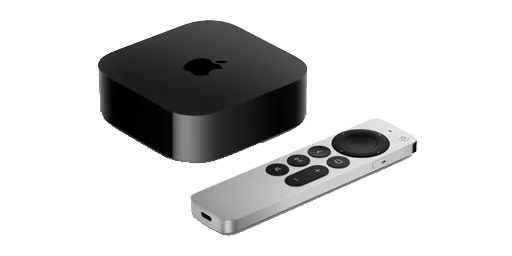
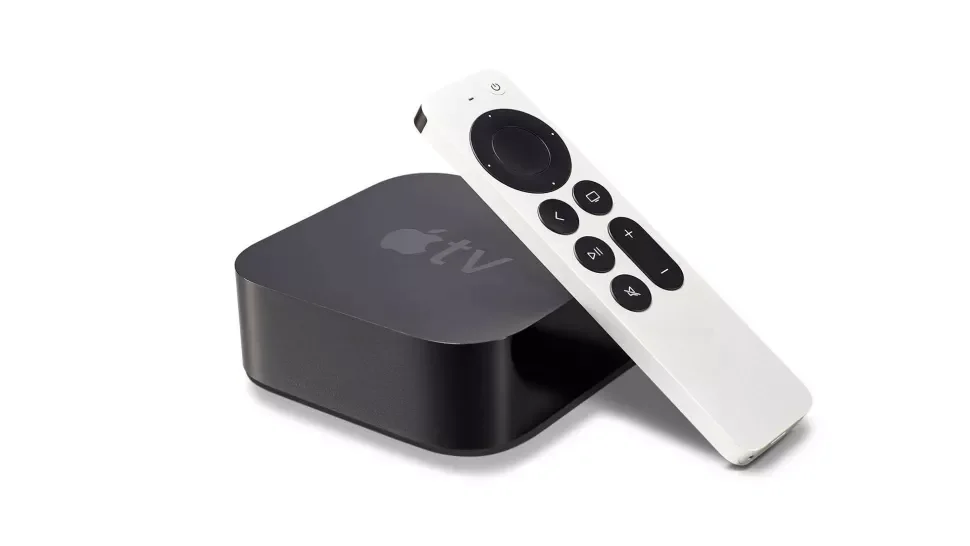
Apple TV IP Control for Crestron Home delivers fast, reliable IP control of Apple TV without IR emitters, giving homeowners a seamless, native Crestron Home experience. Commissioning is quick with the Ultamation Commissioning Tool, and one-touch actions let you jump straight into the content your clients want.

Account required to purchase. Log in or create an account to view pricing and add items to your cart.
×
Features
Features
  • Rock‑solid IP control: No IR emitters; auto‑reconnect, text entry support and Play/Pause/Navigation.
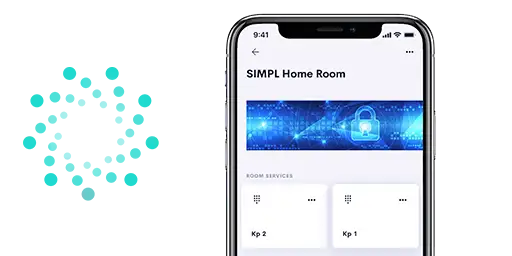
  • Direct app launching!  The driver auto‑retrieves the installed app list and the companion App Launcher exposes tiles and Quick Actions/Sequences for one‑touch starts.
  • Rapid commissioning: Discover processors and Apple TVs, pair with a 4‑digit code, verify, and auto‑upload the licence file to the correct place using the Ultamation Commissioning Tool (no manual file handling).
  • PRIVACY: The module is 100% self contained and we do not pass any data out of the local network or require an Internet connection for operation.  The protocol implements all of the same encryption as Apple, right on the Crestron processor.
Supported Models
Supported Models

Companion protocol was released with tvOS 15.  This module is compatible with any Apple TV running tvOS 15 and above.

NOTE: This product is in no way related to the CompanionLink synchronisation software (available from www.companionlink.com)

Compatibility
Compatibility
  • Requires Crestron Home
  • Please note: The App Launcher REQUIRES the Apple TV module to be configured on the Crestron Home system.  It cannot be used without the main driver.
Licencing
Licencing
  • This product is licenced PER PROCESSOR, PER APPLE TV.
  • This product uses Ultamation’s cloud licencing and you will not receive a licence key. If you purchase a licence AFTER you have loaded the driver, please reboot the system to see changes take effect. For more information please refer to the product documentation.
  • Licences, once purchased, cannot be refunded but can be transferred to another Crestron processor should a processor fail or be upgraded.
Evaluation
Evaluation

As with most of our Crestron Home drivers, this module can be installed and tested with full functionality within your Crestron Home evaluation system for an hour (following each reboot) so that you can offer the solution to your Crestron Home clients with complete confidence.

Downloads

Frequently Asked Questions

Some of the more common questions are answered here

What happens if Apple release an update to tvOS?
We can never account for what Apple may do in the future, but - unlike some other Apple TV solutions across different control systems - the Ultamation solution has never been out of service for more than 12 hours.  We have spent countless hours reviewing and refining the Apple communications to ensure they are as reliable as possible and will respond to any breaking changes with urgency, should they occur.
Are there any release notes?
This link will take you to the release notes page, register to get every update: https://ultamation.release.directory/appletv
The text entry field isn’t visible – what’s going on?
The text entry feature is only functional when you navigate the Apple TV to a text box, such as the search bar.
I have replaced or upgraded my Apple TV, do I need to re-pair it?
Yes. It will need to be paired again via the commissioning tool.
Can the Apple TV be allowed to go to sleep?

We recommend that you set the Apple TV to "never sleep" as this keeps the lines of communication open all the time, and the Apple TV will be ready for action as soon as you select the source.

My Apple TV keeps disconnecting and reconnecting

Question

I keep seeing this in Crestron processor's error log, repeated over and over again:

Notice: # 2021-11-23 12:07:31 # CompProt 'Apple TV': Apple TV 'Apple TV' is 'SOCKET_STATUS_NO_CONNECT'
Notice: # 2021-11-23 12:07:31 # CompProt 'Apple TV': Apple TV 'Apple TV' is 'SOCKET_STATUS_CONNECTED'

Solution

This may be a sign that your Apple TV hasn’t paired correctly. You’ll probably see this around 10-12 seconds apart which is the Apple TV closing a connection that fails to verify the pairing keys. This can happen when someone removes the remote pairing from the Apple TV or the licence file doesn’t match the Apple TV. Clean up the pairing on the Apple TV and re-pair using the commissioning tool. Also ensure that the Apple TV is set to "Never Sleep"
If I am experiencing an issue with the commissioning tool that has not been mentioned here, what can I do?
When on the commissioning tool, go to “help” - “export app logs” - send an email to support, including these logs and we can help further from there.

“Oh my god!!! How amazing is this driver!! It's about 5 times faster than IR. The direct app launching is a game changer. I can now hide my Apple TV remotes forever!”

James Trumper

"I have had it running in my house for over a month on 2 Apple TV’s. It survived every reboot. It survived Apple TV OS from 14 to 15. Never slows down. Never sends too many commands."

Mosey Levy

Product Background

Your Basket

Your basket is currently empty.

Continue Shopping