View Products

SIMPL Home Integration for Crestron Home

Free Shipping
Fast Delivery
Easy Returns

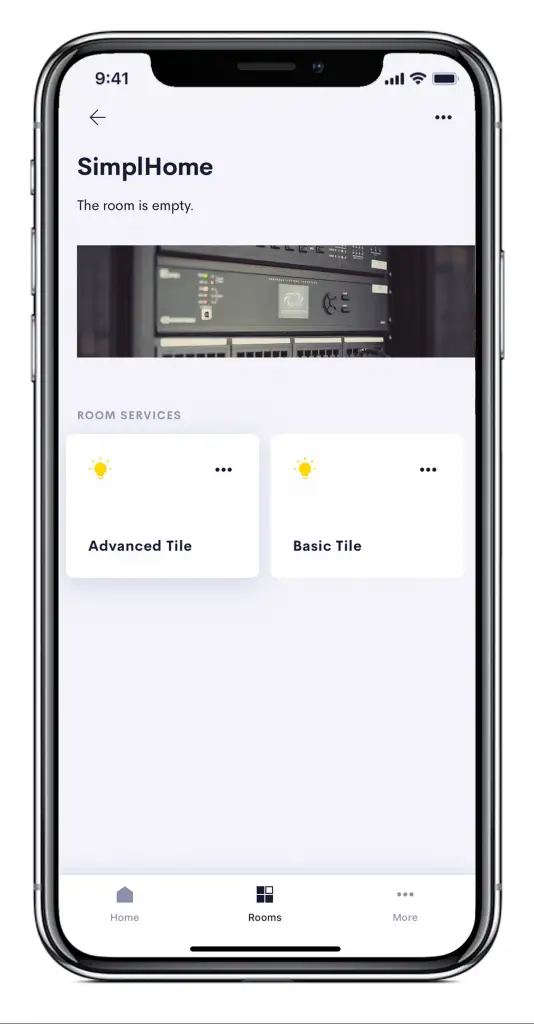
SIMPL Home lets integrators bring virtually any third-party product into Crestron Home, without waiting on a native driver. It combines the elegant simplicity of the Crestron Home user experience with the full power and flexibility of custom SIMPL Windows programming, turning decades of bespoke Crestron integration expertise into native-feeling Crestron Home tiles and devices. Rather than being limited to what Crestron officially supports, integrators can connect their own SIMPL logic on a Crestron Custom processor and expose it through Crestron Home exactly as if it were a first-party driver.

Account required to purchase. Log in or create an account to view pricing and add items to your cart.
×
Features
Features
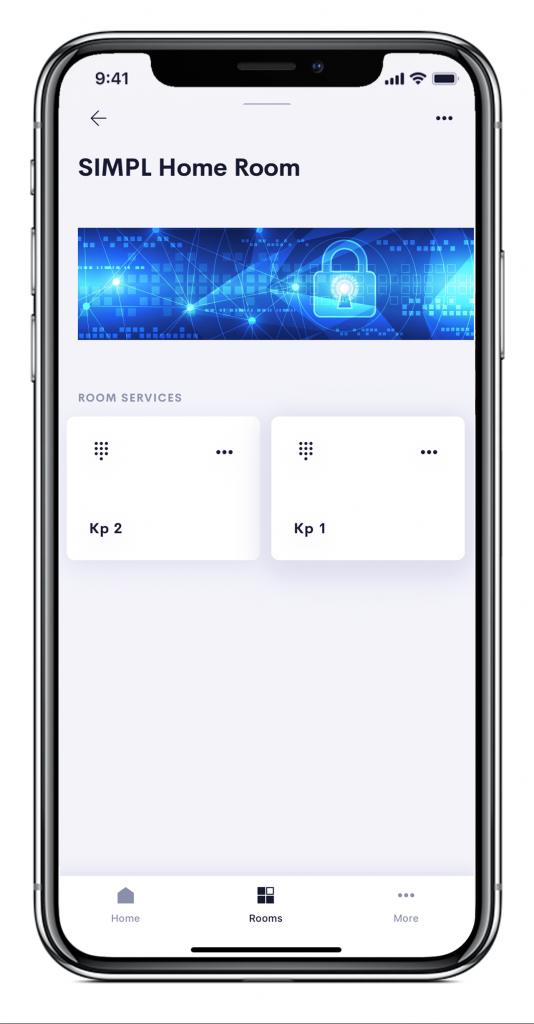
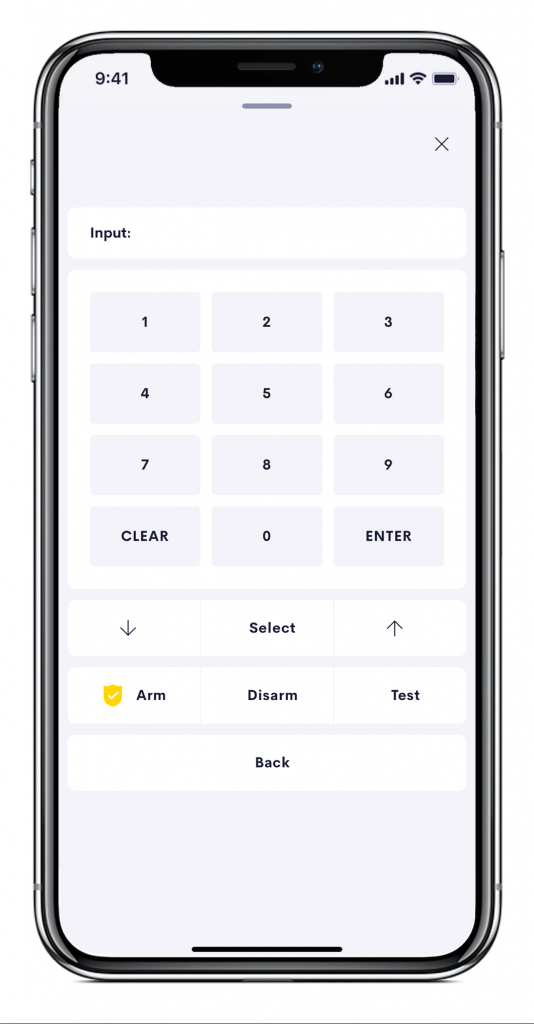
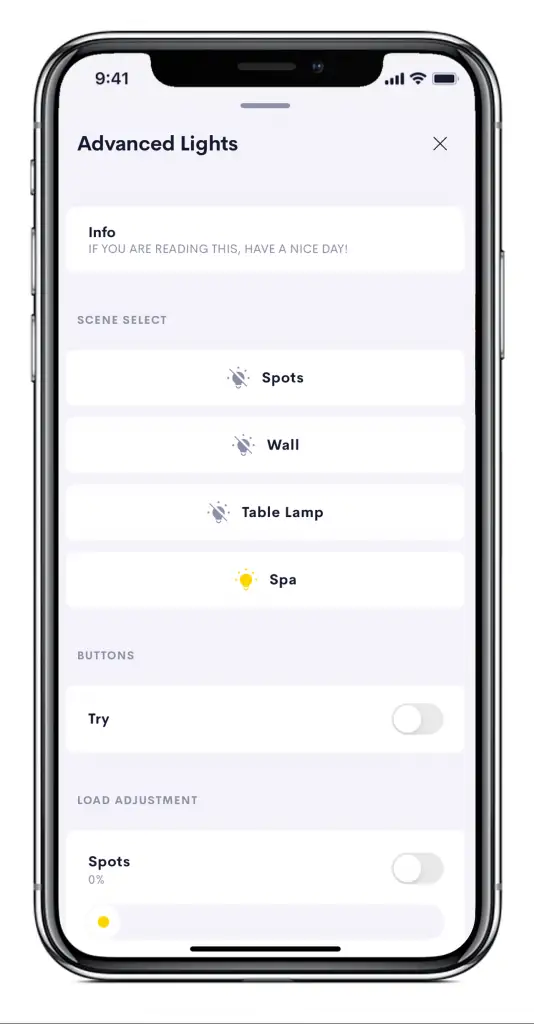
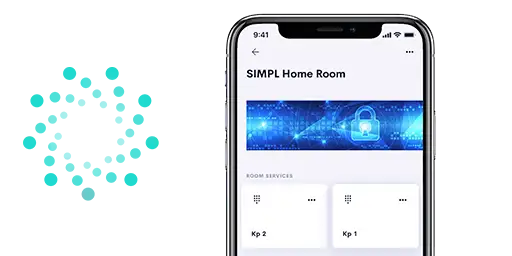
  • Basic Keypads, which support Button, Slider and Action Outputs.
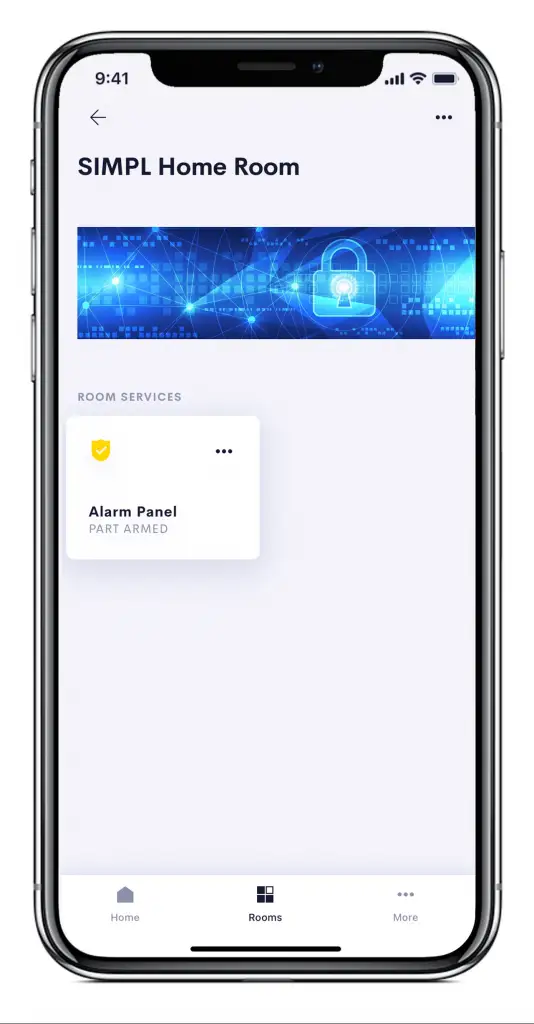
  • Native Crestron Home Security devices
  • Native Display devices
  • Native Source devices
  • Native AV Switchers
  • Native AV Receiver devices
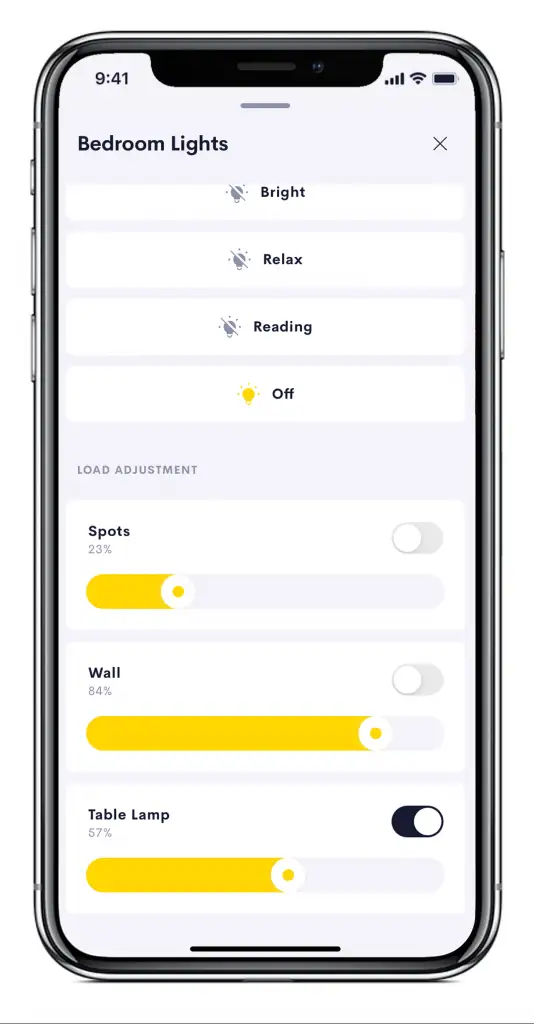
  • Native Lighting devices
  • Native Lighting Scenes
  • Native Entry devices
  • Native Door Lock devices
  • Modular Extensions
  • Scripted Extensions
  • Tile status and icon feedback
  • Thermostat integration
  • Keypad integration
  • Tile action triggers
  • NVX MultiView layout, routing control, transitions and text overlay
  • Programmable operations and events
Compatibility
Compatibility
  • Requires Crestron Home
  • Requires Crestron custom processor
    • 3-Series or above
  • Requires SIMPL programming
Licensing
Licensing
  • This product is licenced PER CRESTRON HOME PROCESSOR.
  • This product uses Ultamation’s cloud licensing and you will not receive a licence key. If you purchase a licence AFTER you have loaded the driver, please reboot the system to see changes take effect. For more information please refer to the product documentation.
  • Licences, once purchased, cannot be refunded but can be transferred to another Crestron processor should a processor fail or be upgraded.
Evaluation
Evaluation

As with most of our Crestron Home drivers, this module can be installed and tested with full functionality within your Crestron Home evaluation system for an hour (following each reboot) so that you can offer the solution to your Crestron Home clients with complete confidence.

Downloads

Frequently Asked Questions

Some of the more common questions are answered here

Are there any release notes?
This link will take you to the release notes page, register to get every update: https://ultamation.release.directory/simplhome
I’ve updated the SIMPL Home driver on CH and now devices are offline?
It is likely that you are not running the same version on both CH and Custom. If these versions are different it can cause the devices to stop working. Ensure that you update each of these to the correct version and the devices should come back online.
Some of my drivers are missing on my Crestron Home panel, How can I fix this?
You may not have both platform drivers installed. The two platform drivers are “SIMPL Home” and “SIMPL Home Entities”. Each supports different drivers, so installing only one means some drivers will not appear on the device. See the SIMPL Home help file to find out which drivers are supported by which platform.
Do I need to restart the processor after adding a new tile to my Crestron Home display?
No. Upon adding a tile to Crestron Home, it will work without the need of restarting the processor. If it does not work there is likely another issue. See the help file for more information.
My thermostat says “control not available”, why is that?
The value that you have set the thermostat at is likely outside of the parameters of the range set. If the current temperature is outside of the Min - Max range, it will cause the control to appear as unavailable. Ensure that the values are being scaled appropriately. E.g. “25” should be input as “250d”.
Which port number should I use when configuring the SIMPL Home Host module to connect to my Crestron Home processor?
You can define the port yourself (we default to port 33333). Ensure the port number in the SIMPL Home Host module matches the port number configured on your Crestron Home processor.

"This is by far the most exciting Crestron Home Extension that has ever happened, in my opinion."

Jason Oster (Director - Product Management - Software Applications at Crestron Electronics)

"SIMPL Home from Ultamation is your friend."

Thorsten

"Ultamation's Simple Home Integrations offer remarkable power and flexibility, particularly with their scripted modules. While the scripted modules do come with a slight learning curve, the extra effort invested is undoubtedly rewarded with expanded capabilities and customization options."

Yitzyn

Product Background

Your Basket

Your basket is currently empty.

Continue Shopping