View Products

Tesla Vehicle Driver for Crestron Home

Free Shipping
Fast Delivery
Easy Returns

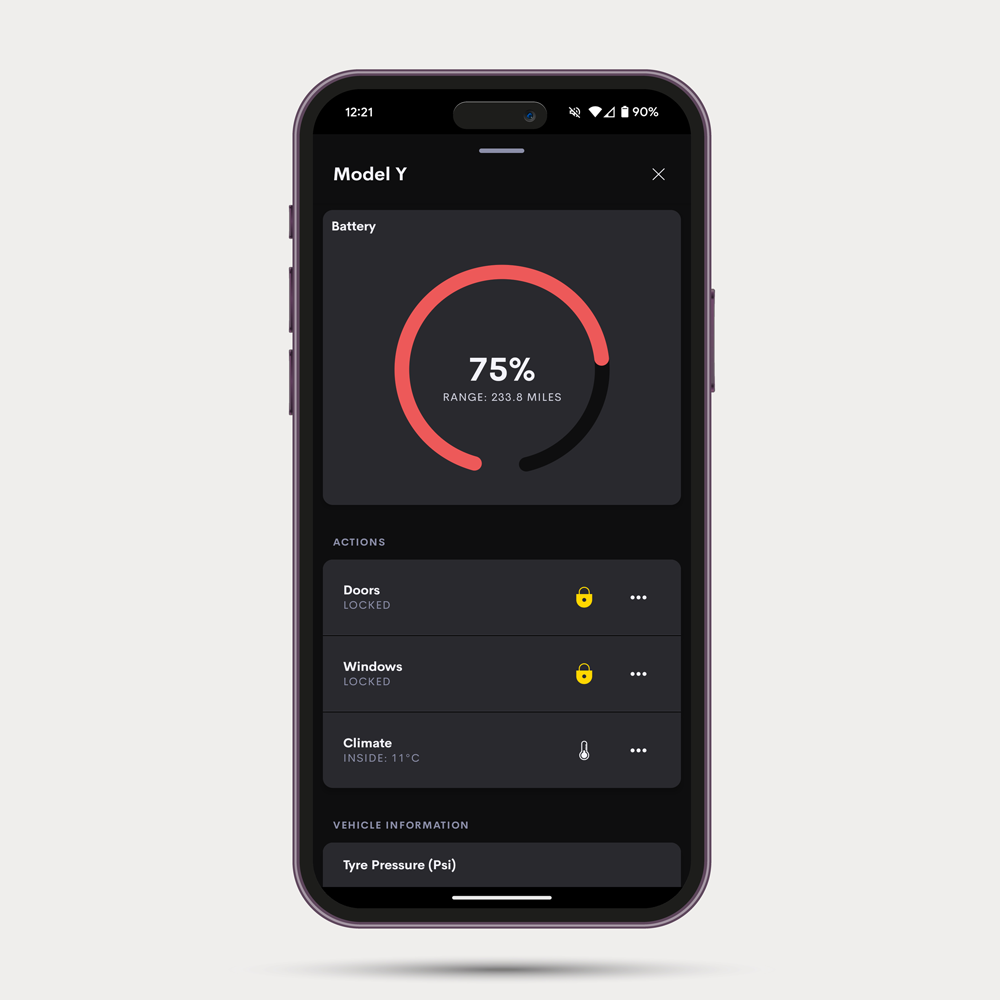
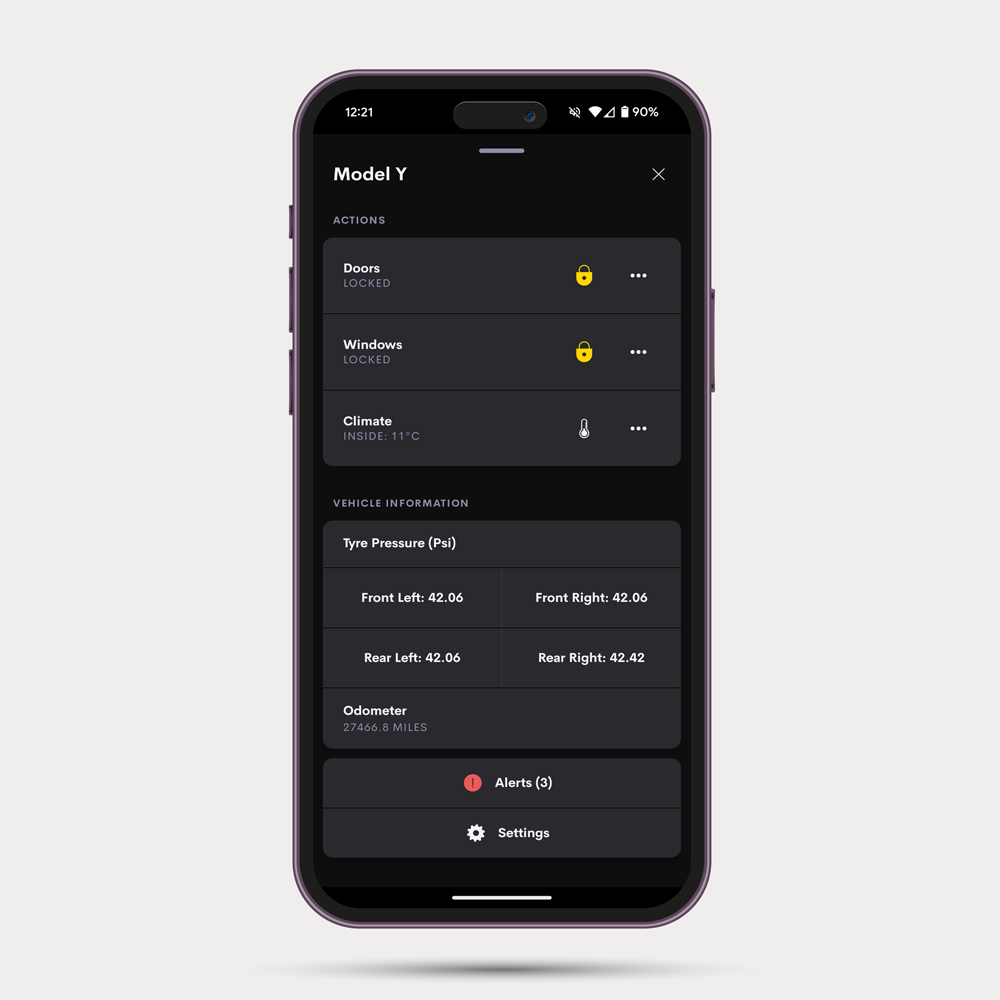
Bring a Tesla into the same Crestron Home interface that runs the rest of the property. Homeowners can check the car’s charge, confirm the doors are locked and the windows closed, and warm or cool the cabin before a journey, all from a familiar touch screen without reaching for the Tesla app. The car can also become part of the home’s automation, with scenes triggered as it arrives home or when the battery reaches a set level.

Account required to purchase. Log in or create an account to view pricing and add items to your cart.
×

Features
Features
  • At a glance: charge, range and whether the car is charging, driving, parked, locked or asleep
  • Status: locks, windows, boot, frunk, charge port, tyre pressures, temperatures and Tesla’s own alerts
  • Climate Commands: cabin temperature, seat and steering wheel heating, defrost, and Keep, Dog and Camp modes
  • Security Commands: Sentry Mode, plus lock, unlock, windows, boot and frunk, which stay off until the integrator turns them on, with an optional PIN
  • Automation: sequence actions for locking and climate, and events for charging, locking, battery levels and arriving home or leaving
  • Personal touches: quick buttons on the main page, battery alerts and gauge colours, with units that follow the car
  • Fully managed: Ultamation’s cloud service connects to Tesla, with Tesla’s API charges included

Owner and driver accounts both work, several Tesla accounts can be linked to one processor, and a built-in demo mode shows how it works without a Tesla account or a licence.

Supported Models
Supported Models

Works with Tesla cars that can be controlled remotely from the Tesla app, on Tesla accounts registered in Europe and North America. Every feature has been tested on current Tesla firmware (2026.x.x).

To send commands, the car needs Tesla’s virtual key, which the owner adds in the Tesla app during setup.

Compatibility
Compatibility
  • Crestron Home OS 4 or later, on a 4-Series processor.
  • An Internet connection on the processor
  • A Tesla account that can control the car remotely in the Tesla app
Licensing
Licensing

One annual subscription per car, per processor, covering the driver, Ultamation’s cloud service and Tesla’s API charges. The licence is tied to the processor’s MAC address when you buy it and is checked automatically, so there’s no key to enter.

Each licence includes a weekly allowance of car data, commands and wake-ups, which you can check in the portal at any time. If the account has more cars than licences, you choose which cars use them. Subscriptions renew automatically until cancelled.

Evaluation
Evaluation

Tesla’s API has an active running cost, so the driver has a built-in demo mode instead. Turn it on and a Demo Car appears with real-life examples, from charging overnight to warming up before a trip. Nothing is sent to Tesla and no licence is needed.

Downloads

Product Background

Your Basket

Your basket is currently empty.

Continue Shopping