
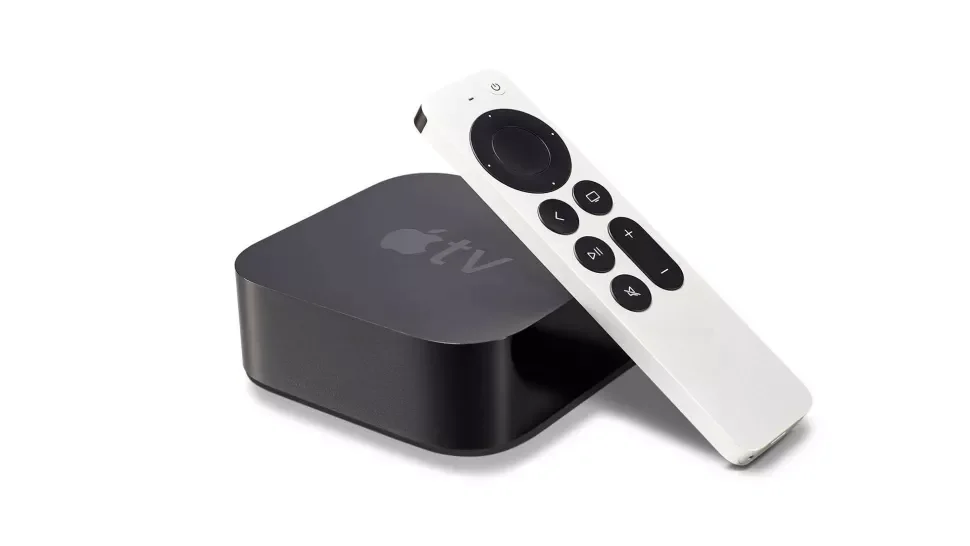
Apple TV Frequently Asked Questions

The Apple TV modules are a popular addition to many home automation projects, but they are also require more configuration steps than some other products.  This collection of frequently asked questions will, hopefully, provide pointers on how to navigate the less obvious questions and set-up steps.  If you really are struggling, you can still contact support on the link below – but please do check the FAQ first.

Contact support

(all module versions)

What happens if Apple release an update to tvOS?
We can never account for what Apple may do in the future, but - unlike some other Apple TV solutions across different control systems - the Ultamation solution has never been out of service for more than 12 hours.  We have spent countless hours reviewing and refining the Apple communications to ensure they are as reliable as possible and will respond to any breaking changes with urgency, should they occur.
Are there any release notes?
This link will take you to the release notes page, register to get every update: https://ultamation.release.directory/appletv
Can I run the Apple TV Companion Protocol module in multiple program slots?

It depends. For 3-Series Crestron processors, the answer is no. The module creates a Bonjour listening service which, on 3-series, takes exclusive use of the UDP port 5353. Apple TV modules in additional slots will not receive Bonjour notification messages and therefore never initialise.

For 4-Series, the underlying OS allows applications to share port bindings, so in this case, yes!

The text entry field isn’t visible – what’s going on?
The text entry feature is only functional when you navigate the Apple TV to a text box, such as the search bar.
I have replaced or upgraded my Apple TV, do I need to re-pair it?
Yes. It will need to be paired again via the commissioning tool.
I have updated my Apple TV module for Crestron Custom and it is no longer working, why?
You must also update the .clz file in order for the driver to work.
Can the Apple TV be allowed to go to sleep?

We recommend that you set the Apple TV to "never sleep" as this keeps the lines of communication open all the time, and the Apple TV will be ready for action as soon as you select the source.

My Apple TV keeps disconnecting and reconnecting

Question

I keep seeing this in Crestron processor's error log, repeated over and over again:

Notice: # 2021-11-23 12:07:31 # CompProt 'Apple TV': Apple TV 'Apple TV' is 'SOCKET_STATUS_NO_CONNECT'
Notice: # 2021-11-23 12:07:31 # CompProt 'Apple TV': Apple TV 'Apple TV' is 'SOCKET_STATUS_CONNECTED'

Solution

This may be a sign that your Apple TV hasn’t paired correctly. You’ll probably see this around 10-12 seconds apart which is the Apple TV closing a connection that fails to verify the pairing keys. This can happen when someone removes the remote pairing from the Apple TV or the licence file doesn’t match the Apple TV. Clean up the pairing on the Apple TV and re-pair using the commissioning tool. Also ensure that the Apple TV is set to "Never Sleep"
If I am experiencing an issue with the commissioning tool that has not been mentioned here, what can I do?
When on the commissioning tool, go to “help” - “export app logs” - send an email to support, including these logs and we can help further from there.
Product Background

Your Basket

Your basket is currently empty.

Continue Shopping